
Advice documents
Statement of Advice
A comprehensive financial advice document that sets out personalised recommendations to help clients achieve their financial goals. It discloses fees, risks and benefits as the Corporations Act and ASIC Regulatory Guide 175 require.
The primary advice document for new clients, or when providing significant advice that materially changes a client’s financial situation. Mark sections such as SMSF advice, aged care or insurance needs analysis as conditional and they only appear when the advice covers them.
The problem
Why the Statement of Advice takes so long today.
Without Claras
An SOA takes days of an adviser’s or paraplanner’s time, most of it rekeying what the client already said in the fact find and strategy meeting. Every adviser structures it a little differently, and the wording your licensee mandates drifts between copies.
With Claras
Claras drafts every section of your SOA template, or your licensee’s, from the meetings and files you select. It can write a brief first so the sections agree with each other, inserts any wording you mark as fixed exactly as written, and tells you which sections need the closest review. You get a Word document in your branded export style.
Sources
What Claras draws on.
You choose which materials are relevant. Claras reads the parts of them that each section of the Statement of Advice needs, and shows you the sources behind each section.
- Discovery and strategy meetings
- The fact find and risk profile
- Research and product comparisons you attach
- The client record built from earlier meetings
Controls
The same controls on every document.
- Fixed wording inserted word for word, where you turn it on
- Adviser and licensee details drafted from your practice profile
- Review guidance on every drafted section: light, standard or careful
- Personal information removed before anything reaches the AI, by default
- Version history on every document
- Word export in your branded template
Make the template yours.
Templates from your licensee.
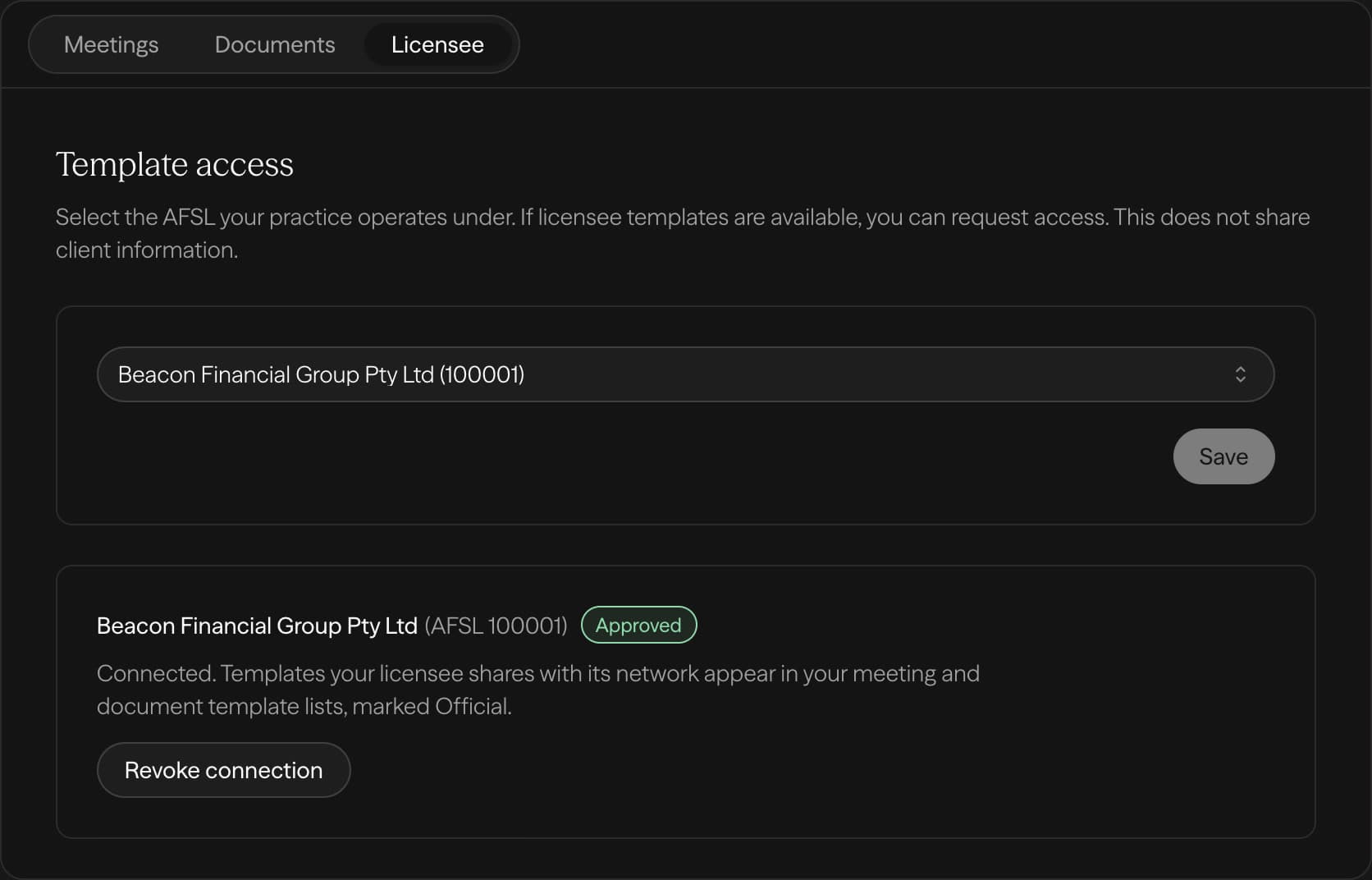
If your licensee is on Claras, you draft from the structure they signed off, and they keep control of it.
- 1Select your AFSL
- 2Your licensee approves
- 3Their templates appear in your list
Licensee not on Claras yet? Tell us about your licensee
Built for advisers. Governed by licensees.
For advisers
Draft your next document from the meeting you just had.
For licensees
Share your templates with your advisers.
Other advice documents